下载FluentTerminal
https://github.com/felixse/FluentTerminal
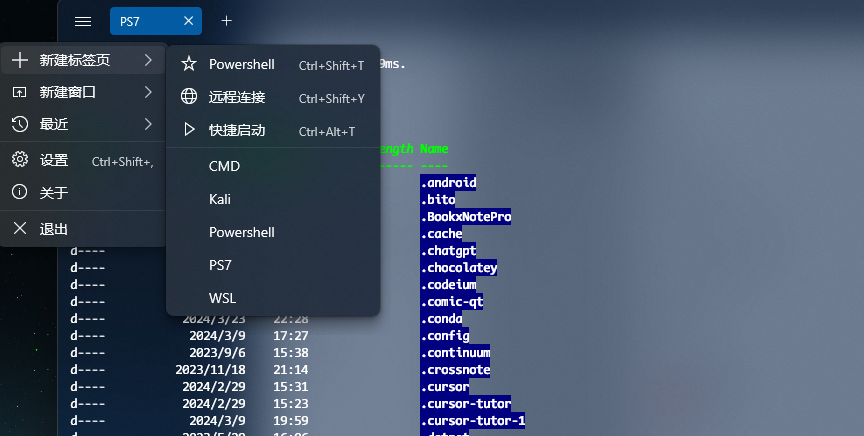
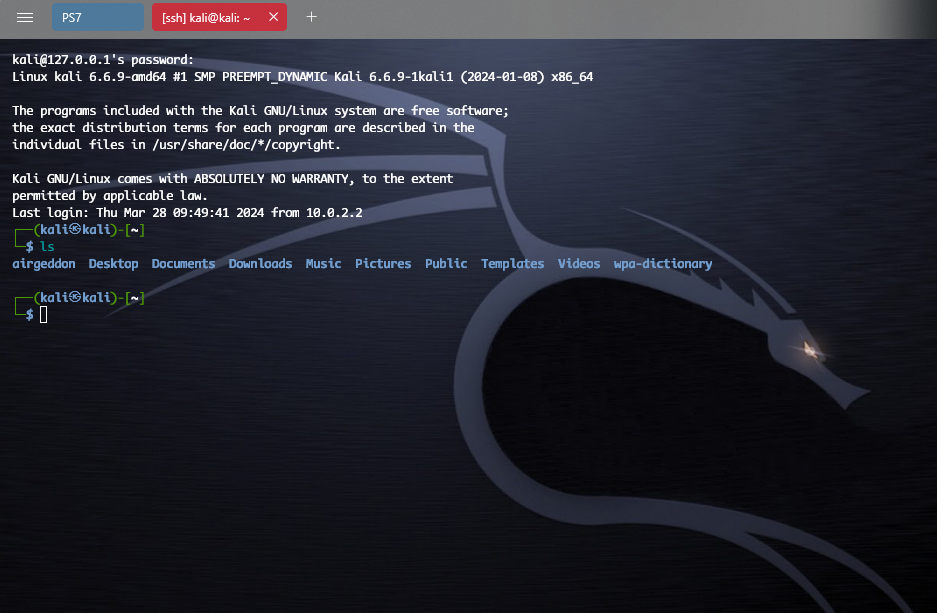
你可以更改终端的外观背景, 壁纸下载可以去wallhaven
设置中有两个配置文件, 一个是SSH 配置, 一个是终端配置。
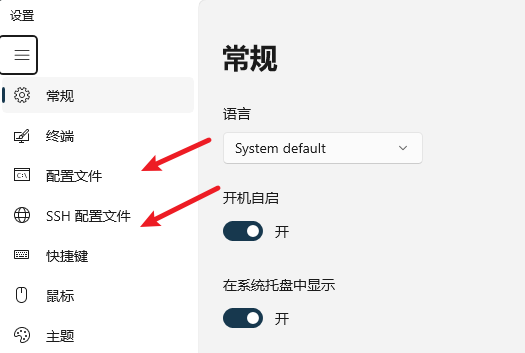
比如我这里添加Powershell7的终端连接 和 SSH 连Kali 虚拟机的连接
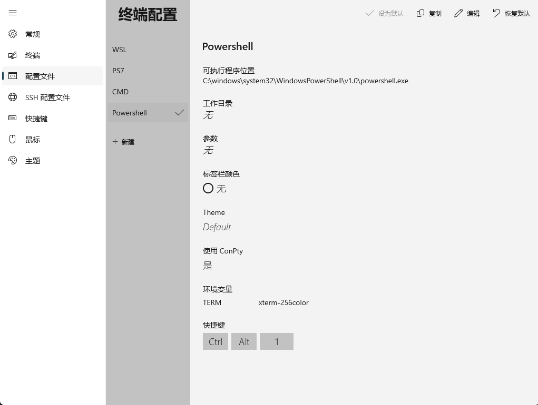
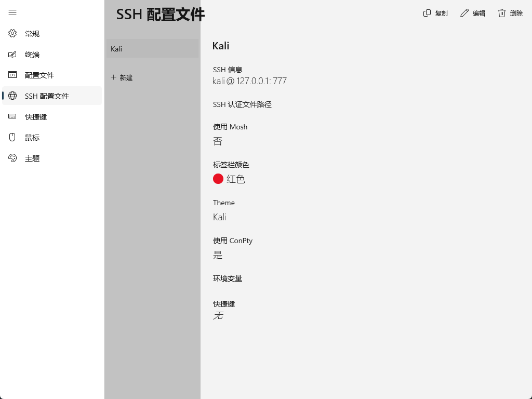
可以为不同的会话设置不同主题
下载NerdFonts字体
Oh-my-posh依赖于此, 不然会显示乱码。 Nerd Fonts是一种专门为开发者设计的字体,它包含了一系列的特殊符号和图标,如Powerline符号、Font Awesome图标、Devicons图标等。
https://www.nerdfonts.com/font-downloads
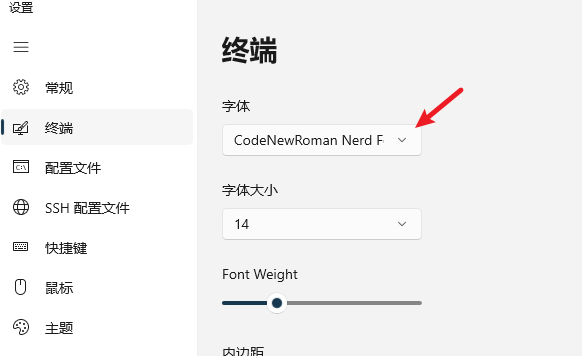
随便选一个下载解压,点击ttf文件安装, 我用的是 CodeNewRoman。
将终端字体改为NerdFonts 字体, 每种终端的设置不同。 在 windows 自带的 Terminal中,
按ctrl shift , 编辑终端设置, 修改defaults中:
1 | "defaults": |
可以用这条命令查看已安装的所有字体:
1 | (New-Object -ComObject "Shell.Application").Namespace(0x14).Items() | ForEach-Object { $_.Name } |
在fluentTerminal可在设置中更改:
下载Oh-my-posh
https://ohmyposh.dev/docs/installation/windows
官方文档写的很详细,选一种安装方式:
1 | winget install JanDeDobbeleer.OhMyPosh -s winget |
编辑 powershell的配置文件
1 | # vscode |
添加
1 | Set-ExecutionPolicy RemoteSigned -Scope CurrentUser |
刷新
1 | . $PROFILE |
可以正常显示

浏览更多主题
1 | Get-PoshThemes |
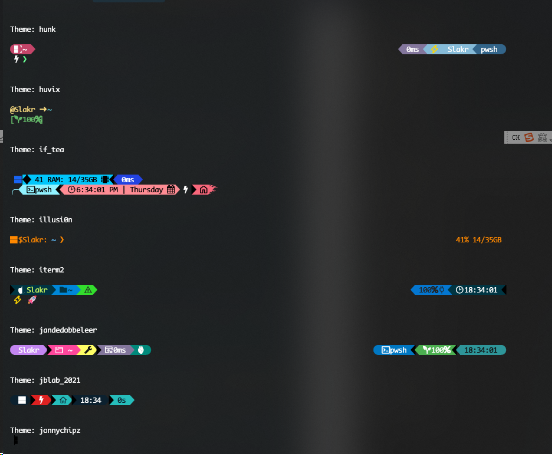
只要把ps配置中的json文件对应名称更改就可以更换主题了
安装gsudo
https://github.com/gerardog/gsudo
我用的choco
1 | choco install gsudo |
添加 ps 配置
1 | code $PROFILE |
最后写入
1 | Import-Module 'gsudoModule' |
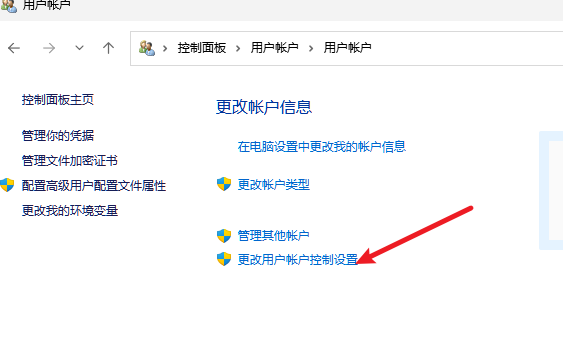
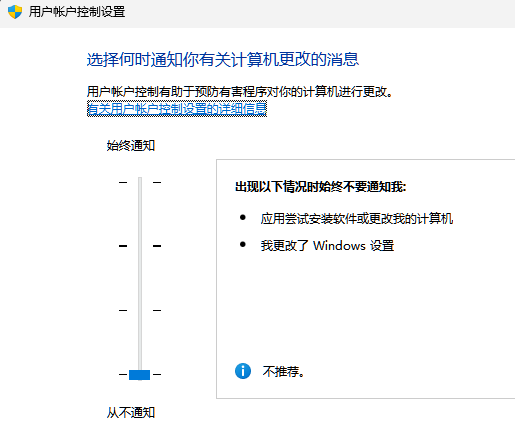
使用gsudo每次会弹出 UAC(User Access Control) 提示, 如果不想显示的话可以关闭消息, 但相对不安全。
感觉xshell 更好用, fluent shell 有点鸡肋。 插件装多了启动都要好几秒,或许折腾美化的终极是default。
